Digital transformation is no longer limited to large enterprises with massive IT budgets. Today, businesses of all sizes are looking for faster, smarter, and more cost-effective ways to improve operations, automate repetitive tasks, and make data-driven decisions. This is where Power Platform has emerged as a game-changing solution.
From manufacturing companies and logistics providers to retail businesses and service organizations, companies are embracing Microsoft's low-code platform to streamline processes without depending heavily on software developers.
In this article, you'll learn what Power Platform is, why it has become essential for modern businesses, how it integrates with business central and other Microsoft solutions, real-world use cases, its benefits and limitations, and how organizations can maximize its value through proper ERP implementation.
What Is Power Platform?
Power Platform is Microsoft's low-code development platform that enables businesses to build custom applications, automate workflows, analyze data, create AI-powered solutions, and develop chatbots with minimal coding.
The platform consists of four major products:
Power BI
Power BI transforms raw business data into interactive dashboards and reports, helping organizations make informed decisions.
Businesses can monitor:
Sales performance
Inventory levels
Production efficiency
Customer behavior
Financial reports
Supply chain performance
Instead of manually preparing spreadsheets, decision-makers receive real-time insights.
Power Apps
Power Apps enables organizations to build custom business applications quickly without extensive programming knowledge.
Examples include:
Employee attendance apps
Warehouse inspection apps
Sales order management apps
Inventory tracking applications
Customer service portals
These applications work seamlessly across mobile devices, tablets, and desktops.
Power Automate
Manual tasks consume valuable business time.
Power Automate helps automate repetitive processes such as:
Invoice approvals
Purchase order workflows
Employee onboarding
Email notifications
Customer follow-ups
ERP data synchronization
Automation improves productivity while reducing human errors.
Power Virtual Agents
Organizations can create AI-powered chatbots that answer customer questions, assist employees, and automate support services without writing complex code.
Why Is Power Platform Becoming So Popular?
Businesses today face several common challenges:
Manual workflows
Disconnected software systems
Slow approvals
Data silos
Increasing operational costs
Limited IT resources
Power Platform addresses these issues through low-code development, making digital transformation accessible even for mid-sized organizations.
Instead of waiting months for software development, businesses can build useful applications in days or weeks.
How Power Platform Works with Microsoft Dynamics 365 Business Central
One of the biggest strengths of Power Platform is its seamless integration with dynamics business central.
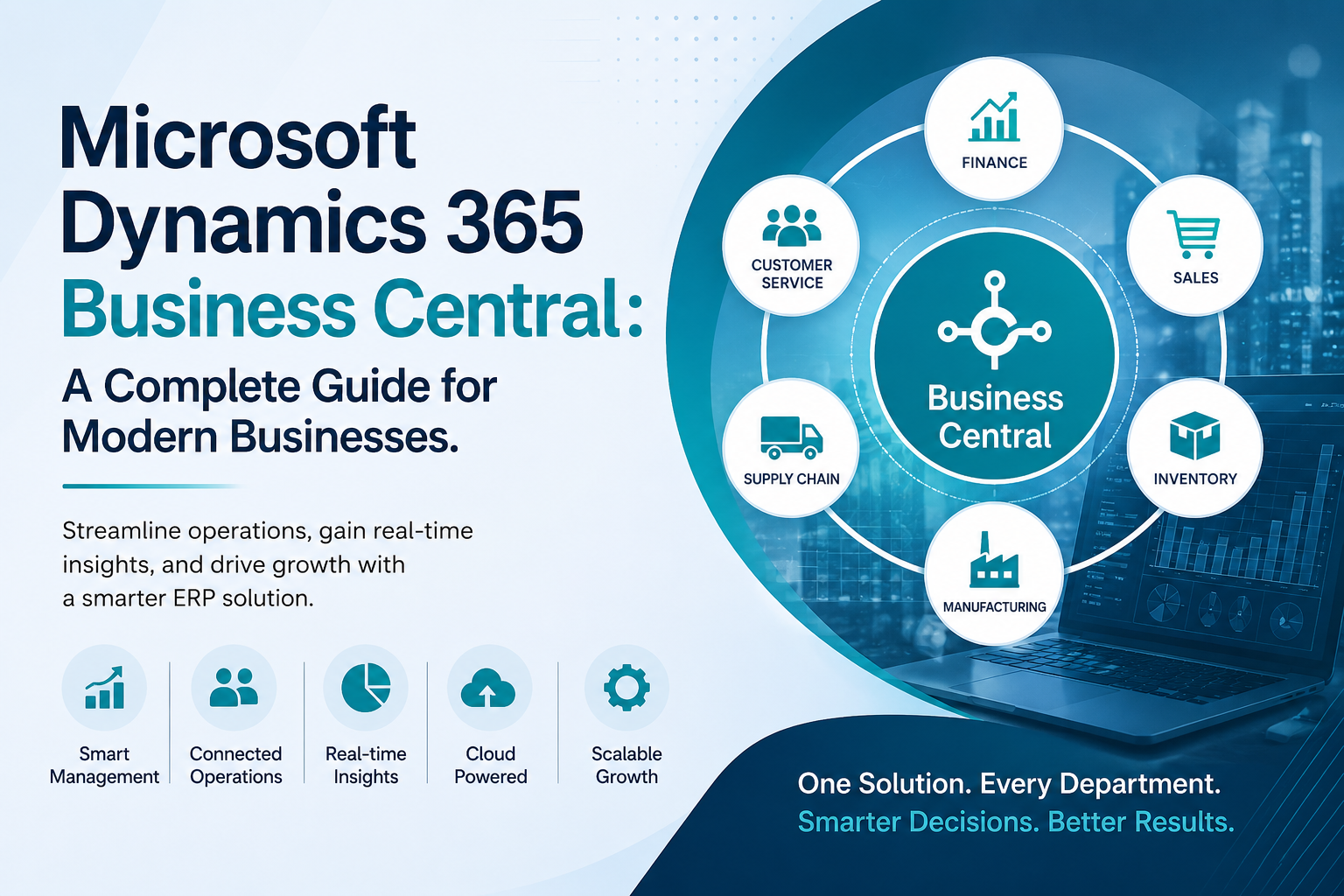
Many organizations already use Microsoft Dynamics 365 Business Central for finance, inventory, sales, purchasing, and operations. By connecting Power Platform with Business Central, companies can extend ERP capabilities without modifying the core system.
For example:
A manufacturing company can build a mobile quality inspection app using Power Apps that directly updates Business Central.
A finance department can automate invoice approvals using Power Automate.
Management teams can monitor live financial performance through Power BI dashboards connected to Business Central.
This integration creates a more connected and intelligent business ecosystem.
Benefits of Power Platform for ERP Implementation
Successful erp implementation requires more than installing software. Businesses also need flexibility, automation, and user-friendly tools.
Power Platform enhances ERP implementation by providing:
Faster Business Process Automation
Manual approvals and repetitive administrative work become automated, allowing employees to focus on higher-value tasks.
Better Employee Productivity
Employees spend less time switching between systems because Power Platform connects multiple applications into one workflow.
Improved Data Accuracy
Automation minimizes manual data entry, reducing errors that often affect reporting and decision-making.
Enhanced Customer Experience
Organizations can build customer portals, automate support requests, and improve response times.
Lower Development Costs
Traditional software development often requires months of coding.
Power Platform significantly reduces development time through its low-code approach.
Power Platform in Manufacturing
Manufacturing businesses face constant pressure to improve production efficiency while reducing operational costs.
When integrated with manufacturing ERP software India, Power Platform can support:
Production Monitoring
Managers receive live dashboards showing production output, machine performance, and downtime.
Quality Management
Employees can use mobile inspection apps during production.
Inspection results automatically update ERP records.
Equipment Maintenance
Maintenance teams receive automated alerts before equipment failures occur.
Predictive maintenance helps reduce costly downtime.
Inventory Visibility
Power BI provides real-time insights into raw material availability and finished goods inventory.
This improves planning while reducing stock shortages.
Improving Inventory Management
Many businesses struggle with inventory visibility across multiple warehouses.
By integrating Power Platform with inventory management software India, organizations can:
Track stock movements in real time
Receive automatic low-stock alerts
Improve warehouse efficiency
Monitor supplier performance
Reduce inventory carrying costs
Managers gain complete visibility without relying on manual reports.
Power Platform for the Logistics Industry
Logistics companies handle thousands of shipments, invoices, delivery schedules, and warehouse operations every day.
When connected with erp software for logistics industry, Power Platform helps organizations automate critical processes.
Examples include:
Delivery tracking dashboards
Automated shipment notifications
Digital proof-of-delivery applications
Fleet maintenance reminders
Driver inspection checklists
Customer service automation
This improves operational efficiency while enhancing customer satisfaction.
How Azure Cloud Strengthens Power Platform
Modern businesses require secure, scalable, and reliable infrastructure.
Power Platform is built on Azure Cloud, Microsoft's enterprise cloud platform.
Azure provides:
Enterprise-grade security
Automatic scalability
Data backup
Disaster recovery
Global availability
Compliance with international standards
Businesses can confidently build applications while protecting sensitive information.
AI Is Changing Business Automation
Artificial intelligence is becoming an essential part of modern business operations.
Power Platform now includes AI capabilities that support:
Invoice processing
Document recognition
Sales forecasting
Customer sentiment analysis
Demand prediction
Intelligent automation
These capabilities complement broader Enterprise AI solutions, allowing organizations to become more proactive rather than reactive.
Real-Life Business Example
Imagine a mid-sized manufacturing company experiencing delays in purchase approvals.
Managers rely on email chains, paper forms, and manual follow-ups.
After implementing Power Platform:
Purchase requests are submitted through a Power Apps application.
Power Automate routes approvals automatically to department heads.
Power BI dashboards show approval times and pending requests.
Business Central updates purchase records immediately after approval.
The company reduces approval times from several days to just a few hours while improving visibility and accountability.
Choosing the Right Microsoft ERP Partner
Technology alone does not guarantee project success.
Working with experienced implementation experts makes a significant difference during ERP deployment.
Organizations often collaborate with experienced dynamics 365 business central partners to ensure smooth implementation, proper customization, and long-term support.
Similarly, businesses upgrading from legacy Microsoft ERP systems frequently seek guidance from an experienced microsoft navision partner to migrate data and modernize operations without disrupting business continuity.
Selecting knowledgeable consultants helps reduce implementation risks while maximizing return on investment.
Advantages of Power Platform
Power Platform offers several business benefits.
Rapid Application Development
Organizations can build applications much faster than traditional development methods.
Low-Code Development
Business users with limited coding experience can participate in solution development.
Strong Microsoft Integration
It integrates naturally with Microsoft 365, Dynamics 365, Teams, Outlook, Excel, SharePoint, and Azure.
Improved Decision-Making
Real-time dashboards help leaders make faster and more informed decisions.
Business Process Automation
Routine work becomes automated, reducing operational costs and human errors.
Scalability
Solutions can grow alongside the business without requiring major infrastructure changes.
Potential Limitations
Like any technology, Power Platform also has some considerations.
Complex enterprise applications may still require professional developers.
Proper governance is necessary to prevent uncontrolled app creation.
Employee training improves adoption and long-term success.
Licensing costs should be evaluated based on business requirements.
With proper planning, these challenges are usually manageable.
Best Practices for Successful Power Platform Adoption
Businesses planning to implement Power Platform should consider the following recommendations.
Start with one business process rather than attempting enterprise-wide automation immediately.
Identify repetitive manual tasks that deliver quick returns.
Ensure clean and accurate business data before automation.
Integrate Power Platform with existing ERP systems instead of replacing them unnecessarily.
Provide employee training to encourage adoption.
Measure performance using clear KPIs and continuously improve workflows.
Frequently Asked Questions
Is Power Platform suitable for small businesses?
Yes. Power Platform is designed for businesses of all sizes. Small and medium-sized businesses benefit from affordable automation and rapid application development without large IT teams.
Does Power Platform require coding knowledge?
No. Most applications and workflows can be created using drag-and-drop tools. However, advanced customizations may require development expertise.
Can Power Platform integrate with Business Central?
Yes. Power Platform integrates seamlessly with business central, enabling businesses to automate processes, analyze data, and build custom applications around their ERP system.
Is Power Platform secure?
Yes. Since it is built on Azure Cloud, it follows Microsoft's enterprise security, compliance, and governance standards.
Which industries benefit the most from Power Platform?
Manufacturing, retail, logistics, healthcare, finance, education, and professional services all use Power Platform to improve operational efficiency and automate business processes.
Conclusion
Digital transformation is no longer about replacing every existing system. It is about extending business capabilities through intelligent automation, real-time insights, and connected workflows.
Power Platform enables organizations to build custom applications, automate repetitive tasks, analyze business data, and leverage AI without lengthy development cycles. Whether integrated with Microsoft Dynamics 365 Business Central or existing Microsoft ERP solutions, it helps businesses become more agile, productive, and data-driven.
As organizations continue investing in automation and cloud technologies, Power Platform is set to play an increasingly important role in helping businesses innovate faster and respond more effectively to changing market demands.
If you're planning to modernize your business processes or improve your ERP implementation strategy, consulting experienced professionals such as Rivira Systems can help you identify the right approach, maximize your Microsoft technology investments, and achieve sustainable digital transformation.
Ready to Modernize Your Business?
Looking to automate workflows, build custom business applications, or enhance your Microsoft ERP ecosystem? Share your questions in the comments or connect with the experts at Rivira Systems to explore how Power Platform can support your organization's digital transformation journey.

Write a comment ...