Businesses today face increasing pressure to manage operations efficiently while adapting to changing customer expectations and market demands. From finance and inventory to sales and supply chain management, relying on disconnected software often leads to delays, errors, and poor decision-making.
This is where Microsoft Dynamics 365 Business Central stands out. Designed as a comprehensive cloud-based ERP solution, it helps organizations streamline operations, improve visibility, and make informed decisions using real-time data.
Whether you are a growing startup, a manufacturing company, a distributor, or a logistics business, Business Central offers the flexibility and scalability needed to support long-term growth. In this article, you'll learn what Microsoft Dynamics 365 Business Central is, its key features, business benefits, implementation process, industry applications, real-world examples, and how choosing the right implementation partner can maximize your ERP investment.
What Is Microsoft Dynamics 365 Business Central?
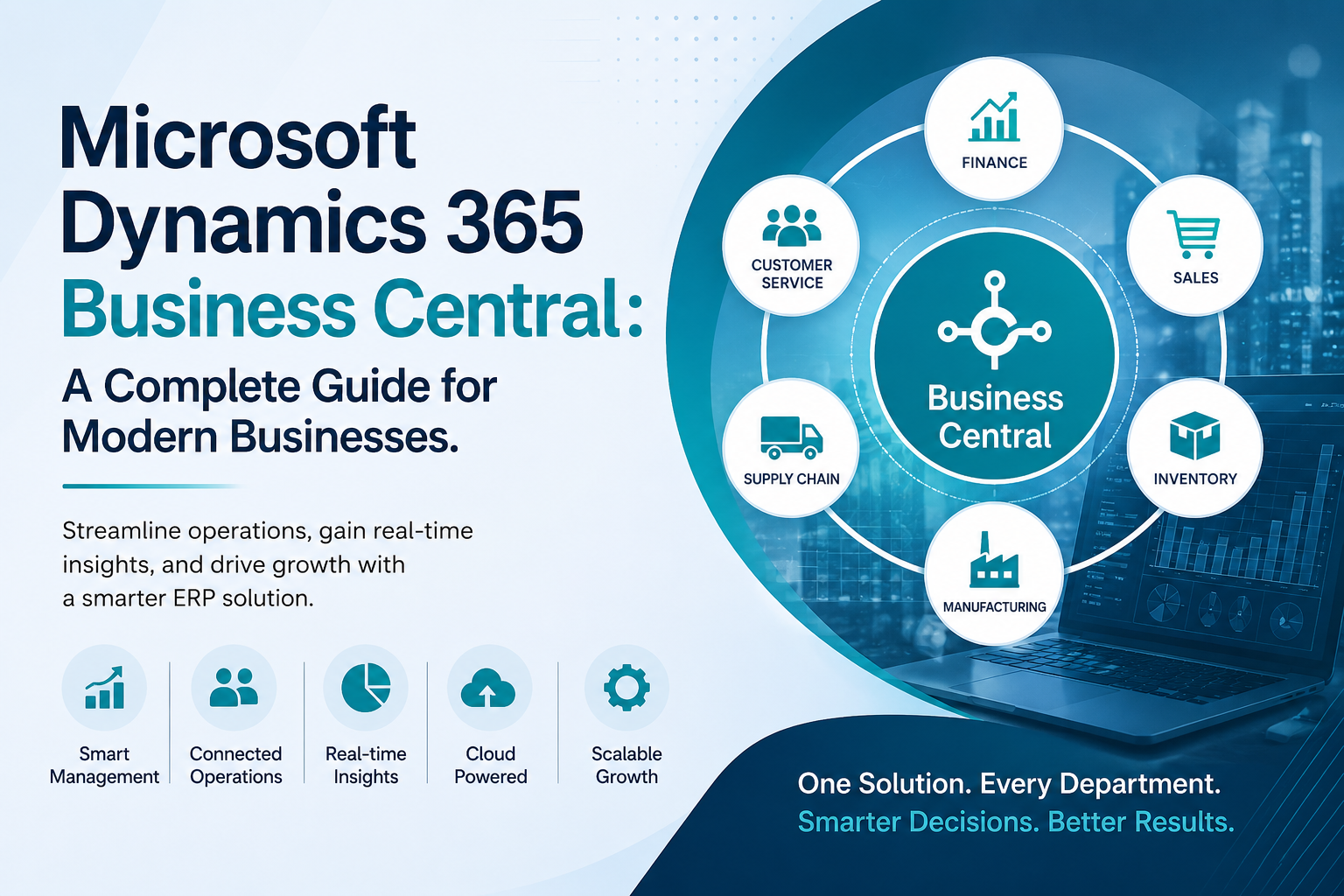
Microsoft Dynamics 365 Business Central is Microsoft's all-in-one Enterprise Resource Planning (ERP) solution designed for small and medium-sized businesses. It enables organizations to manage finance, purchasing, inventory, sales, customer service, projects, manufacturing, and reporting from a single platform.
Built on Azure Cloud, Business Central provides secure access from anywhere while seamlessly integrating with familiar Microsoft applications such as Microsoft 365, Outlook, Excel, Teams, and the Power Platform.
Originally developed as Microsoft Dynamics NAV, Business Central represents the modern evolution of Microsoft's ERP ecosystem, making it a preferred choice for businesses seeking reliable Microsoft ERP solutions.
Why Businesses Are Choosing Microsoft Dynamics 365 Business Central
Many businesses outgrow traditional accounting software as operations become more complex. Separate systems for finance, inventory, customer management, and purchasing create data silos that reduce efficiency.
Business Central solves this challenge by bringing every critical business process together on one unified platform.
Key reasons organizations choose it include:
Centralized business management
Cloud accessibility with enterprise-grade security
Real-time reporting and analytics
Easy integration with Microsoft applications
Scalable architecture that grows with the business
Automation of repetitive business processes
Reduced operational costs
These advantages make Dynamics Business Central one of the most trusted ERP solutions across industries.
Core Features of Microsoft Dynamics 365 Business Central
Financial Management
Business Central provides complete financial visibility by managing:
General ledger
Budgeting
Cash flow forecasting
Accounts payable
Accounts receivable
Fixed assets
Bank reconciliation
Multi-currency transactions
Finance teams can generate accurate reports faster while reducing manual work.
Inventory Management
Effective inventory management directly impacts profitability.
Business Central functions as powerful inventory management software India businesses can use to:
Monitor stock levels
Track inventory across warehouses
Reduce stock shortages
Prevent overstocking
Optimize purchasing decisions
Improve warehouse efficiency
Real-time inventory updates help businesses maintain better customer satisfaction.
Sales and Customer Management
Business Central enables organizations to manage:
Sales quotations
Orders
Customer information
Pricing
Invoice generation
Payment tracking
Since it integrates with Outlook, sales teams can access customer information without switching applications.
Supply Chain Management
Businesses gain greater control over procurement and vendor management by automating purchasing workflows and improving supplier collaboration.
This results in:
Better demand forecasting
Reduced procurement delays
Lower purchasing costs
Improved supplier performance
Manufacturing Management
Manufacturers require accurate production planning and cost control.
Business Central supports manufacturing ERP software India requirements through features such as:
Production planning
Bill of Materials (BOM)
Capacity planning
Shop floor management
Material requirements planning
Production scheduling
Quality control
These capabilities help manufacturers increase productivity while minimizing waste.
Project Management
Organizations managing multiple projects can track:
Budgets
Resources
Project timelines
Employee utilization
Profitability
Everything remains connected to financial reporting for complete visibility.
How Azure Cloud Makes Business Central More Powerful
Because Business Central runs on Azure Cloud, businesses receive several advantages beyond traditional on-premise ERP systems.
These include:
Secure cloud infrastructure
Automatic software updates
High system availability
Disaster recovery
Remote accessibility
Faster deployment
Enterprise-level compliance
Cloud deployment also eliminates the need for expensive server maintenance.
Business Automation with Power Platform
One of the biggest strengths of Microsoft Dynamics 365 Business Central is its integration with the Power Platform.
Businesses can build custom workflows using:
Power BI for advanced dashboards
Power Automate for workflow automation
Power Apps for low-code applications
Microsoft Copilot capabilities for AI-powered assistance
This allows organizations to automate repetitive tasks while gaining deeper business insights without significant development costs.
The Role of ERP Implementation in Business Success
Even the most advanced ERP solution requires proper planning and execution.
A successful ERP implementation generally includes the following stages:
Business Process Analysis
Organizations first identify existing workflows, challenges, and improvement opportunities.
Solution Design
The ERP system is configured according to business requirements.
Data Migration
Existing customer, inventory, financial, and operational data is securely migrated into Business Central.
Testing
Businesses validate every module before going live.
User Training
Employees receive practical training to ensure smooth adoption.
Go Live and Support
The system is launched with continuous monitoring and post-implementation support.
A structured implementation minimizes downtime and increases user confidence.
Industries That Benefit from Microsoft Dynamics 365 Business Central
Manufacturing
Manufacturers use Business Central to optimize production planning, inventory control, procurement, and quality management.
Wholesale Distribution
Distributors gain better visibility into inventory, supplier management, warehouse operations, and customer orders.
Retail
Retail businesses can improve stock control, purchasing, sales management, and financial reporting from one platform.
Logistics and Supply Chain
As reliable ERP software for logistics industry, Business Central helps companies manage transportation planning, warehouse operations, inventory tracking, and order fulfillment more efficiently.
Professional Services
Consulting firms and service providers benefit from project management, time tracking, billing automation, and financial management.
Real-Life Example
Imagine a mid-sized manufacturing company operating across multiple locations.
Before implementing Business Central, the company relied on separate systems for accounting, inventory, purchasing, and production planning. Employees manually transferred information between departments, causing delays and frequent inventory inaccuracies.
After implementing Microsoft Dynamics 365 Business Central, the company experienced:
Faster financial reporting
Improved production scheduling
Better inventory accuracy
Reduced procurement delays
Real-time business dashboards
Improved customer order fulfillment
By centralizing operations, management could make faster and more informed decisions based on real-time data instead of outdated reports.
Enterprise AI Solutions Are Changing ERP
Modern ERP systems are evolving with artificial intelligence.
Business Central now incorporates Enterprise AI solutions that help organizations:
Predict cash flow
Improve demand forecasting
Automate repetitive workflows
Generate financial insights
Detect unusual business patterns
Increase employee productivity
These AI capabilities allow businesses to spend less time on manual work and more time on strategic planning.
Why Choosing the Right Implementation Partner Matters
Selecting experienced Dynamics 365 Business Central partners is often just as important as selecting the ERP software itself.
A knowledgeable implementation partner can:
Understand industry-specific challenges
Customize workflows
Ensure smooth migration
Reduce implementation risks
Provide employee training
Offer long-term technical support
Organizations familiar with Microsoft technologies and cloud deployment can significantly improve ERP success rates.
Businesses migrating from older Microsoft ERP platforms may also benefit from working with an experienced Microsoft Navision partner, ensuring a smooth transition from legacy systems to modern Business Central.
Pros of Microsoft Dynamics 365 Business Central
Business Central offers several advantages that make it suitable for growing businesses.
It provides complete business visibility through a single platform, reduces manual work through automation, integrates seamlessly with Microsoft applications, supports cloud accessibility, delivers advanced reporting, scales as the business grows, and continuously receives Microsoft's latest innovations and security updates.
Potential Challenges
Like every ERP solution, Business Central also comes with considerations.
Initial implementation requires careful planning. Employee training is necessary to maximize adoption, and businesses with highly specialized workflows may require additional customization. Working with an experienced implementation partner helps overcome these challenges effectively.
Frequently Asked Questions
Is Microsoft Dynamics 365 Business Central suitable for small businesses?
Yes. Business Central is designed specifically for small and medium-sized businesses while remaining scalable enough to support future growth.
How long does ERP implementation usually take?
The timeline depends on business size, customization requirements, and data migration complexity. Many projects are completed within a few months.
Can Business Central integrate with Microsoft 365?
Yes. It integrates with Outlook, Excel, Teams, SharePoint, and other Microsoft applications for a connected user experience.
Is Business Central available on the cloud?
Yes. It is built on Azure Cloud, providing secure access from anywhere while reducing infrastructure costs.
Can manufacturers use Business Central?
Absolutely. It includes comprehensive manufacturing capabilities such as production planning, inventory management, procurement, and capacity planning.
Conclusion
As businesses continue to embrace digital transformation, investing in a modern ERP platform has become essential rather than optional. Microsoft Dynamics 365 Business Central combines finance, operations, inventory, manufacturing, sales, and reporting into a single intelligent platform that helps organizations operate more efficiently.
Its seamless integration with Microsoft technologies, cloud-first architecture, automation capabilities, and AI-driven insights make it one of today's most reliable ERP solutions for growing businesses. Whether you're planning your first ERP implementation, upgrading legacy systems, or looking for a future-ready business platform, Business Central provides the flexibility needed to support long-term success.
Working with experienced Dynamics 365 Business Central partners can further simplify implementation, reduce risks, and ensure you get the maximum value from your ERP investment.
If you're exploring ways to modernize your business operations, now is the perfect time to learn how Microsoft Dynamics 365 Business Central can support your growth. Connect with the experts at Rivira Systems to discuss your business requirements, share your questions, and discover the right ERP strategy for your organization.


Write a comment ...